
Mac · Windows · iPhone · Free to install
Compare live carrier rates, buy and print labels, and track every parcel — from a proper desktop application running on your own EasyPost account.



The desktop application for Mac and Windows, and the mobile companion for iPhone. Everything on this page comes from an app store, so it keeps itself up to date.
What it does
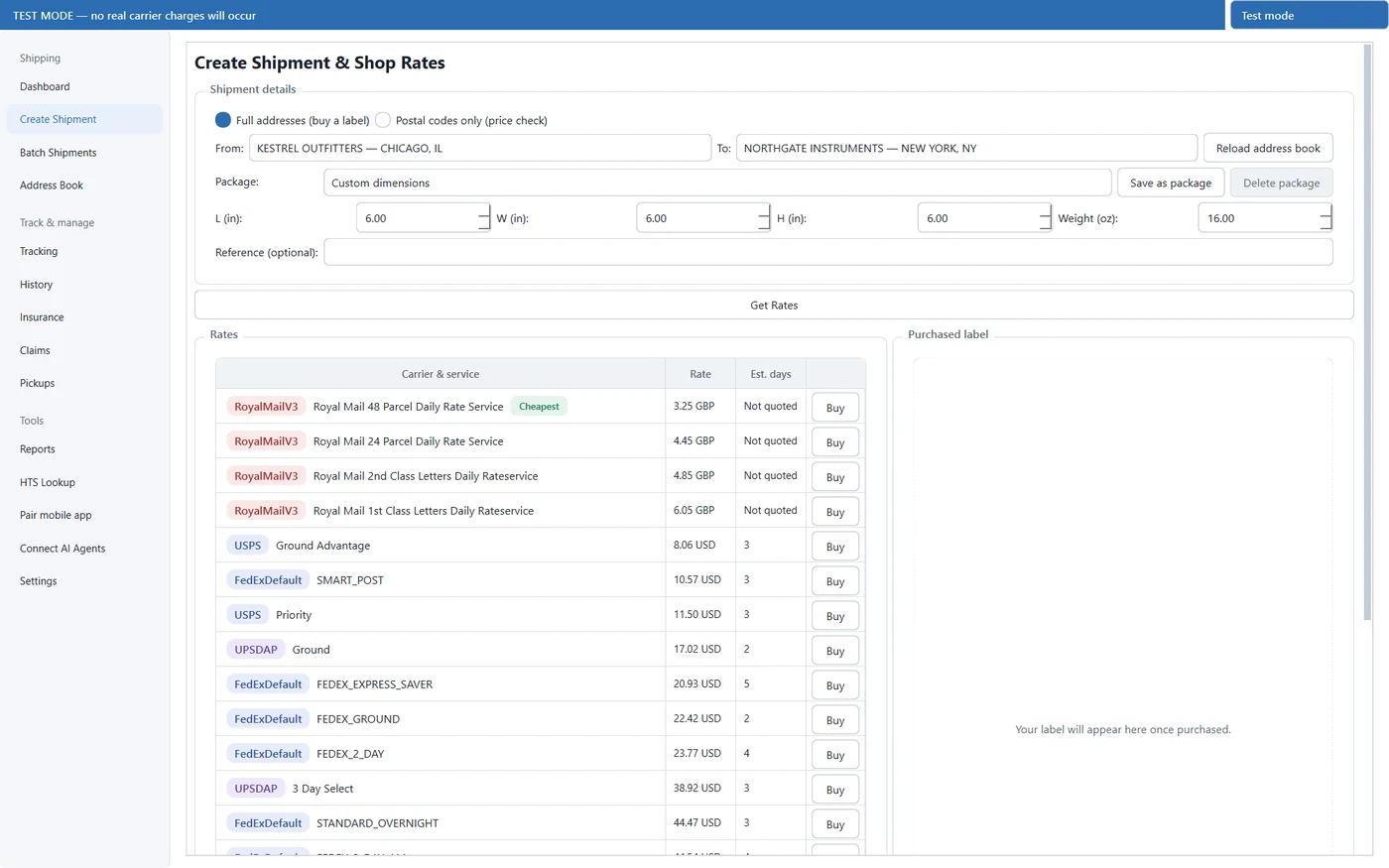
Live rates from every carrier on your EasyPost account, sorted cheapest-first and tagged with the fastest option. Price-check a route from two postal codes before you have an address saved.
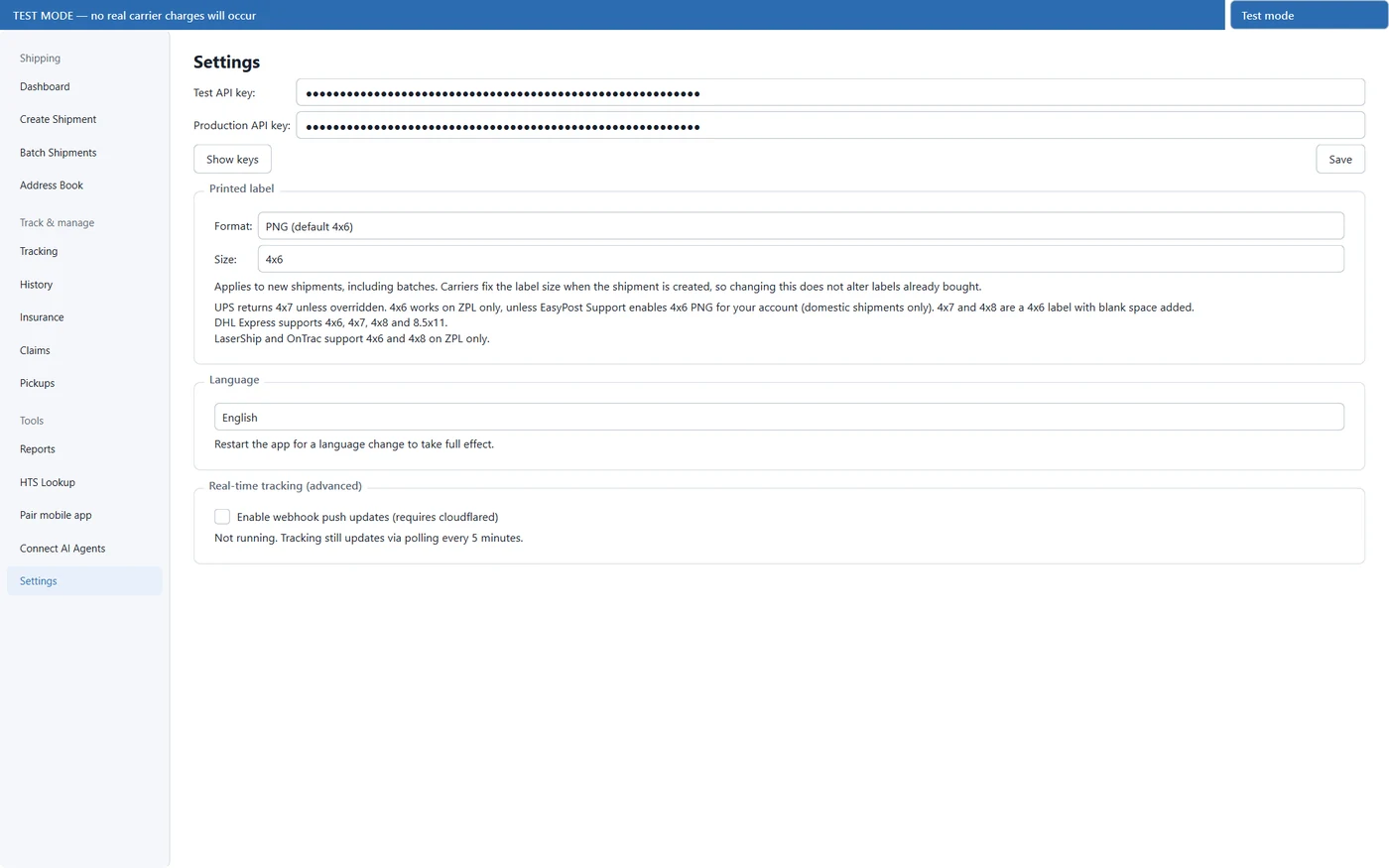
Choose PNG, PDF, ZPL or EPL and the exact size — 4x6, 4x7, 4x8, 4x5 or 8.5x11 — so labels come out right on thermal stock or plain paper. The purchased label renders in-app.
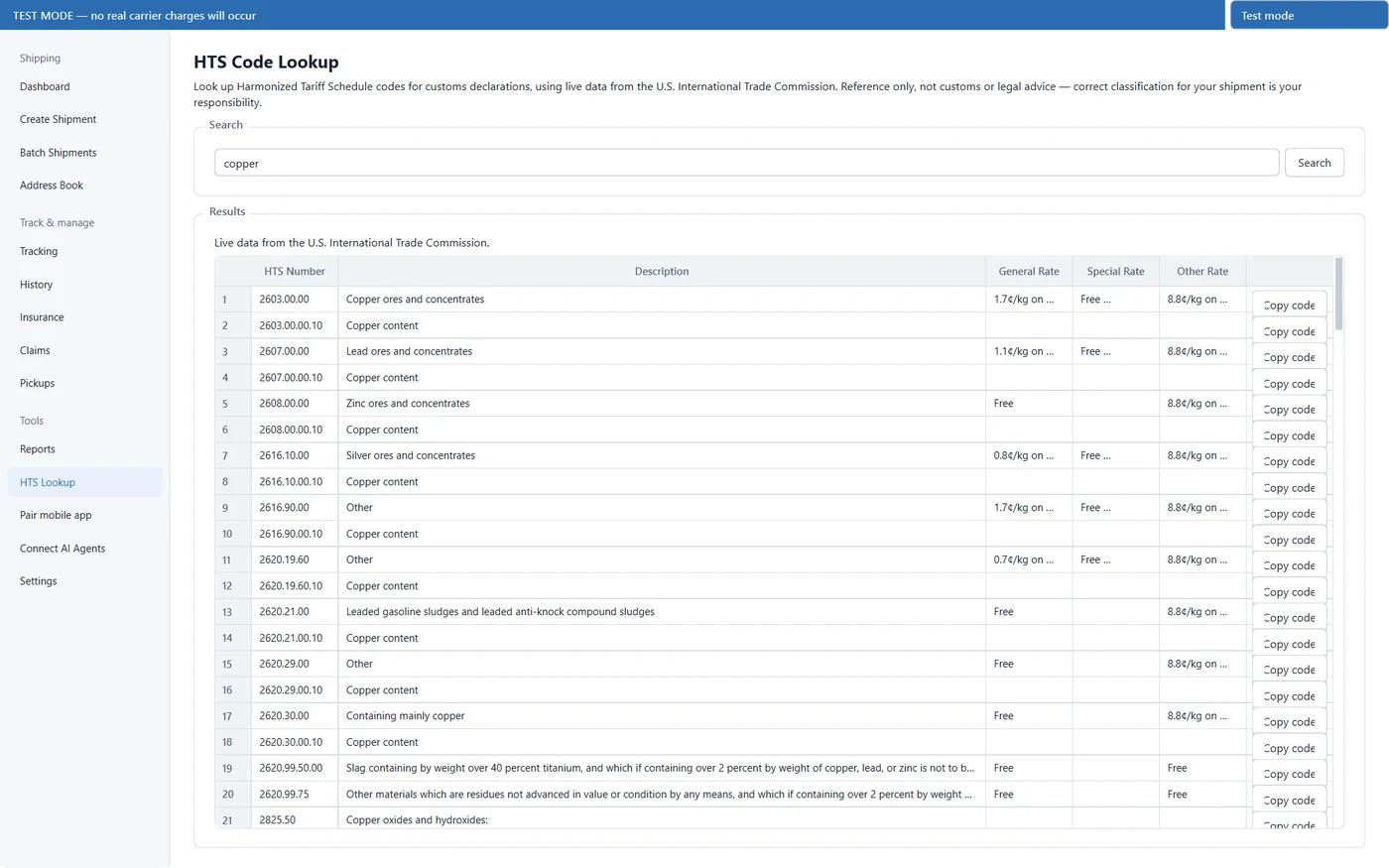
Guided customs declarations with itemised contents, plus a built-in Harmonized Tariff Schedule lookup against the U.S. International Trade Commission database.
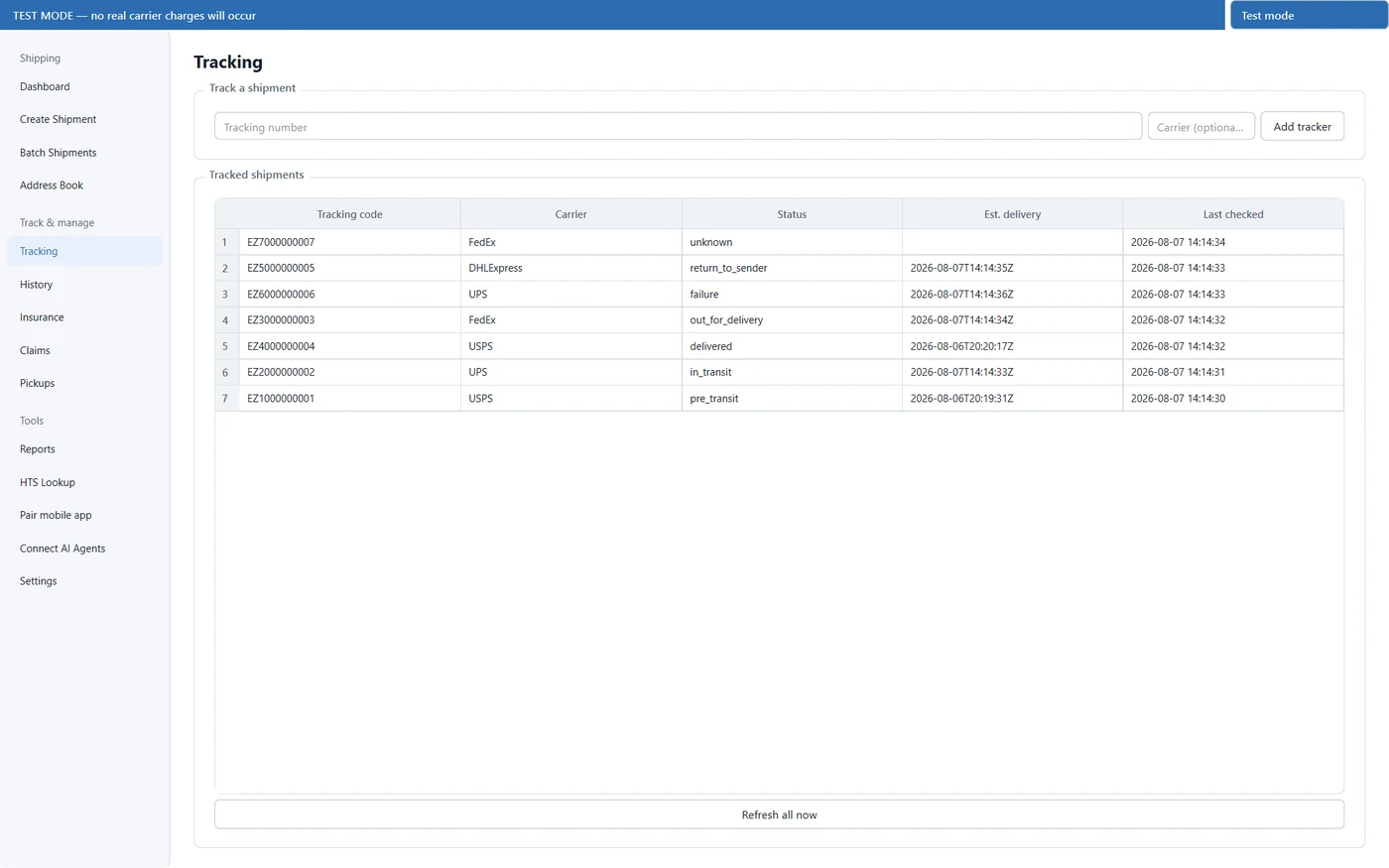
Polling every five minutes as standard, or opt into real-time webhook push updates over a local tunnel for instant status changes.
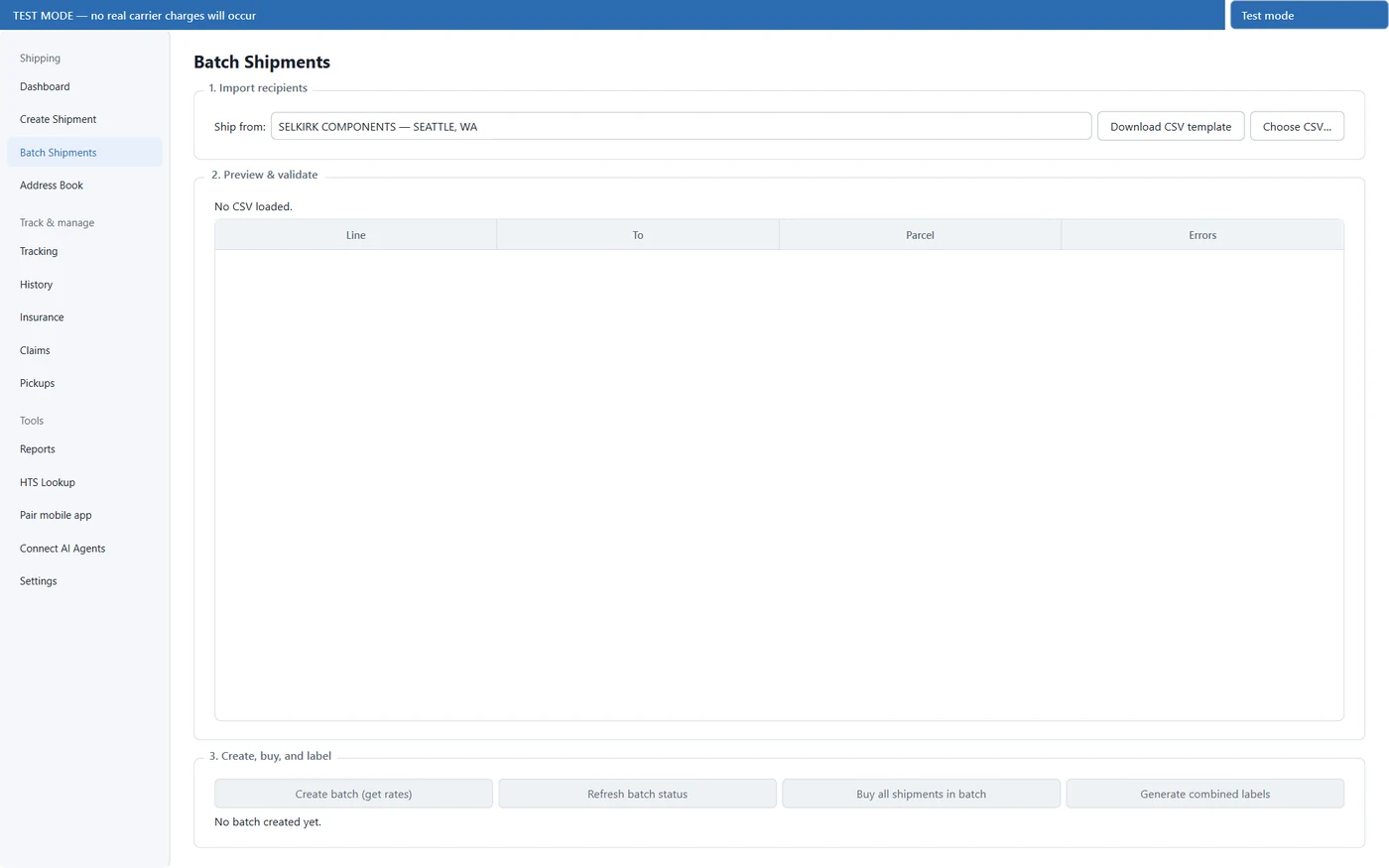
Import a CSV of recipients, validate it before anything is charged, then bulk-rate, bulk-buy and generate combined labels.
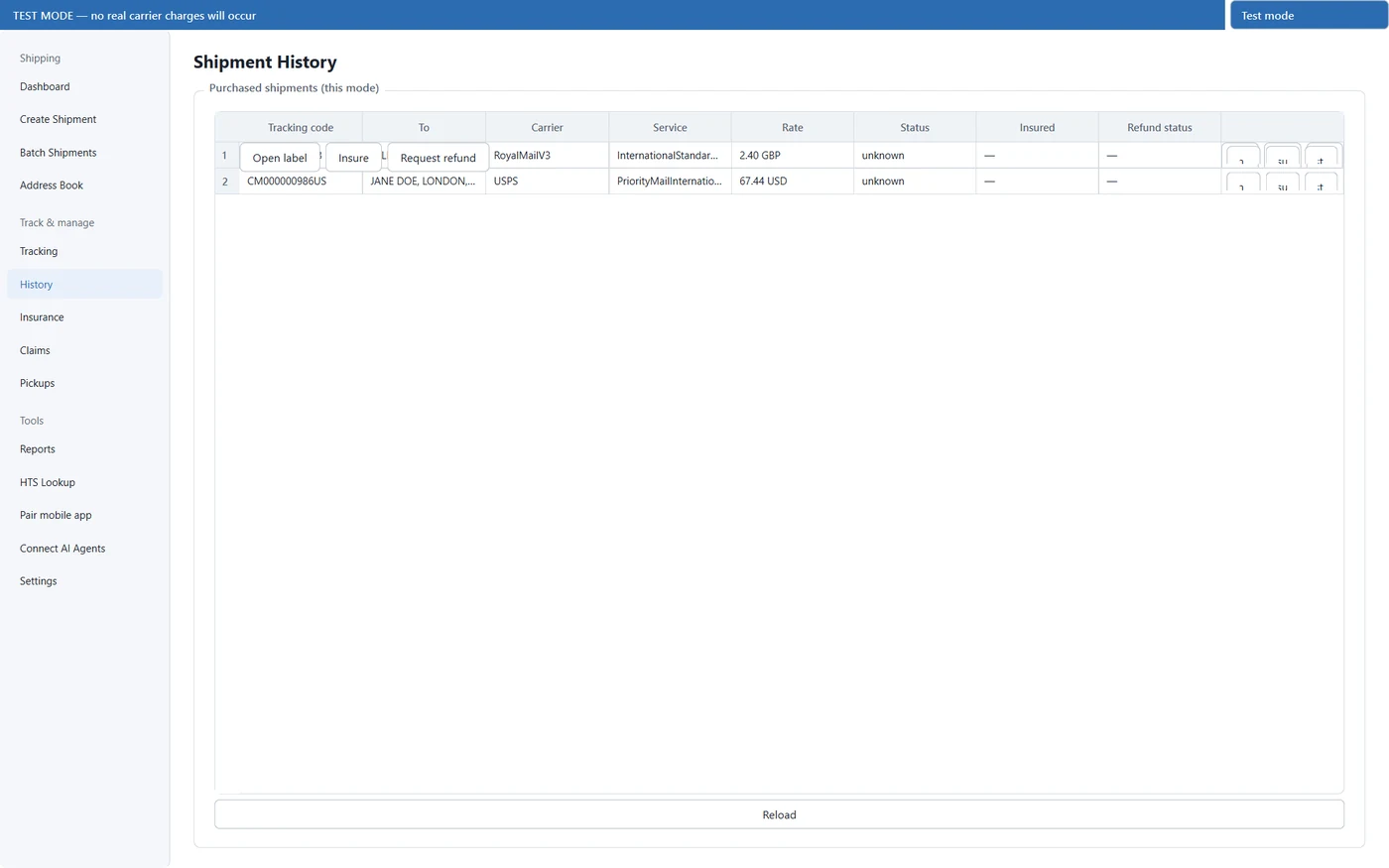
Refunds for unused labels, added insurance, carrier pickups, and insurance claims for lost or damaged parcels — all from the same window.
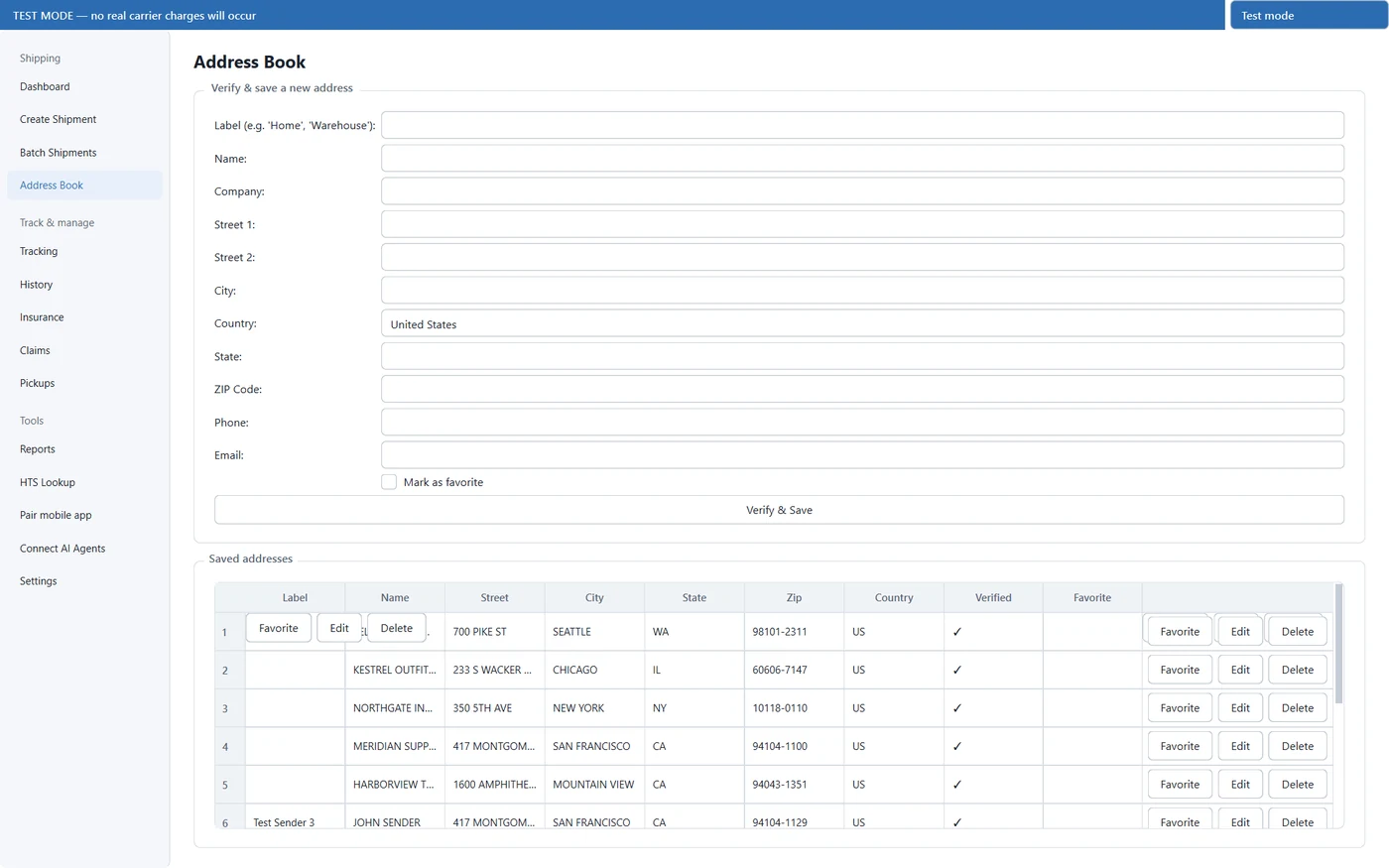
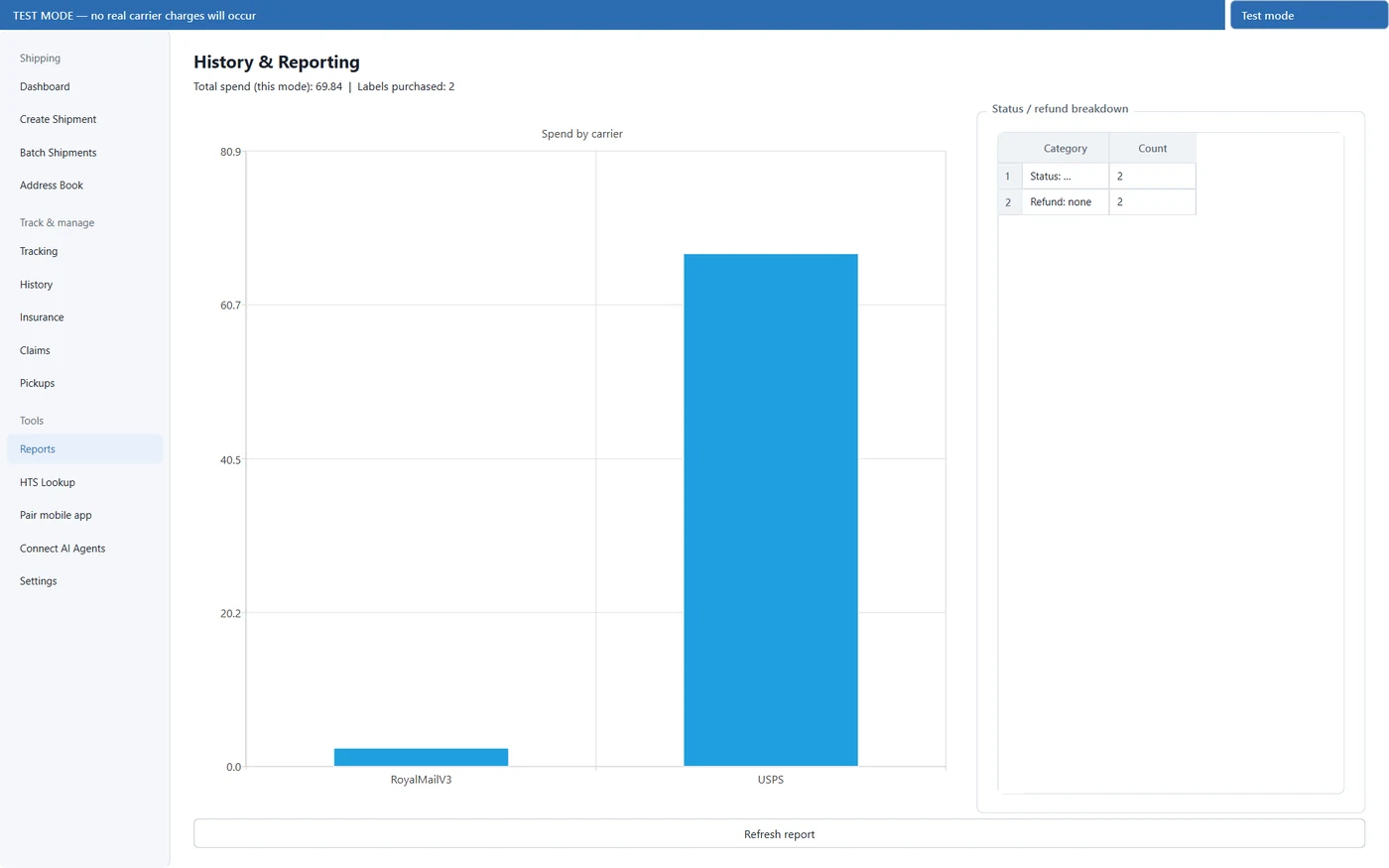
Address book, shipment history and reporting live in a local database on your machine. Nothing is sent anywhere except EasyPost.
The full interface is translated into fifty languages, selectable in Settings.
A look inside
Eight screens from the application itself, not mock-ups.
Getting started
Easy-Post Desktop is an independent desktop client for EasyPost. It is not affiliated with, endorsed by, or a reseller of EasyPost or of any carrier.
You supply your own EasyPost API key, and postage is purchased through your EasyPost account at your own rates. Carrier names are used only to identify the services being quoted, and all carrier marks remain the property of their owners.
Windows 10 version 1809 or later (64-bit), or macOS 12 Monterey or later on Apple silicon. Intel Macs are not supported. An internet connection is required to reach EasyPost.
Support
Reach out directly for questions before buying, trouble activating a licence or a refund request.